
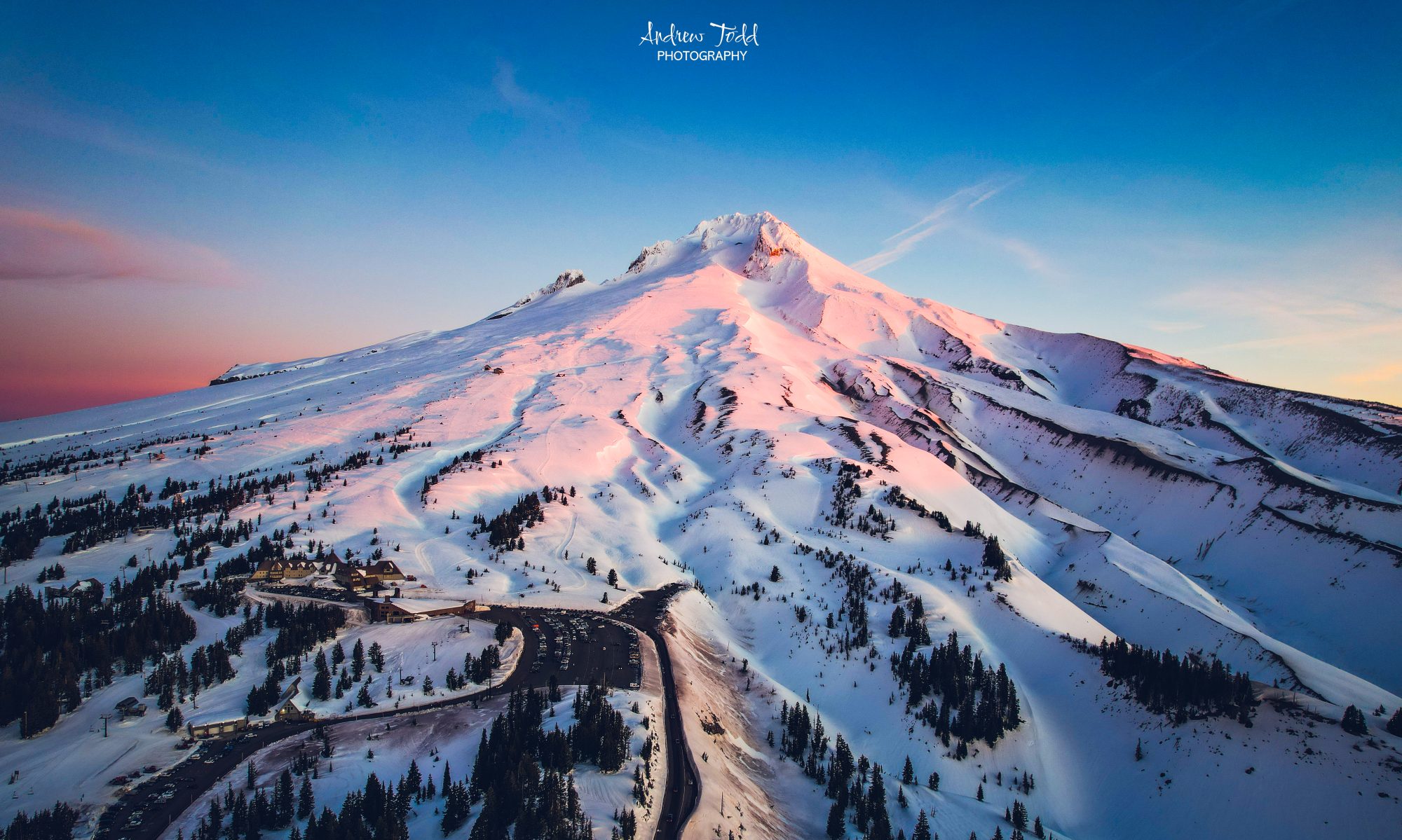
Here at Andrew Todd Media, it’s my personal mission to bring you premier photo and video content of the best the Pacific Northwestern United States has to offer. On this site, you can cruise the blog for in-depth trip recommendations and information on off-grid trails and popular PNW staples. The gallery offers a chance to view photos of Oregon and Washington in remote places. You can purchase prints of my photos directly from the gallery as well. Interested in collaborating on an outdoor lifestyle project? Get in touch on the Collab page!
– Andrew Todd
Shop the Blog for Your Next Pacific Northwest Adventure
Click on any image to view the blog including information on trip planning, the hiking experience, and things to do in the area for your family and your pets. This section will be updated frequently with new featured PNW destinations, so make sure to check back often!
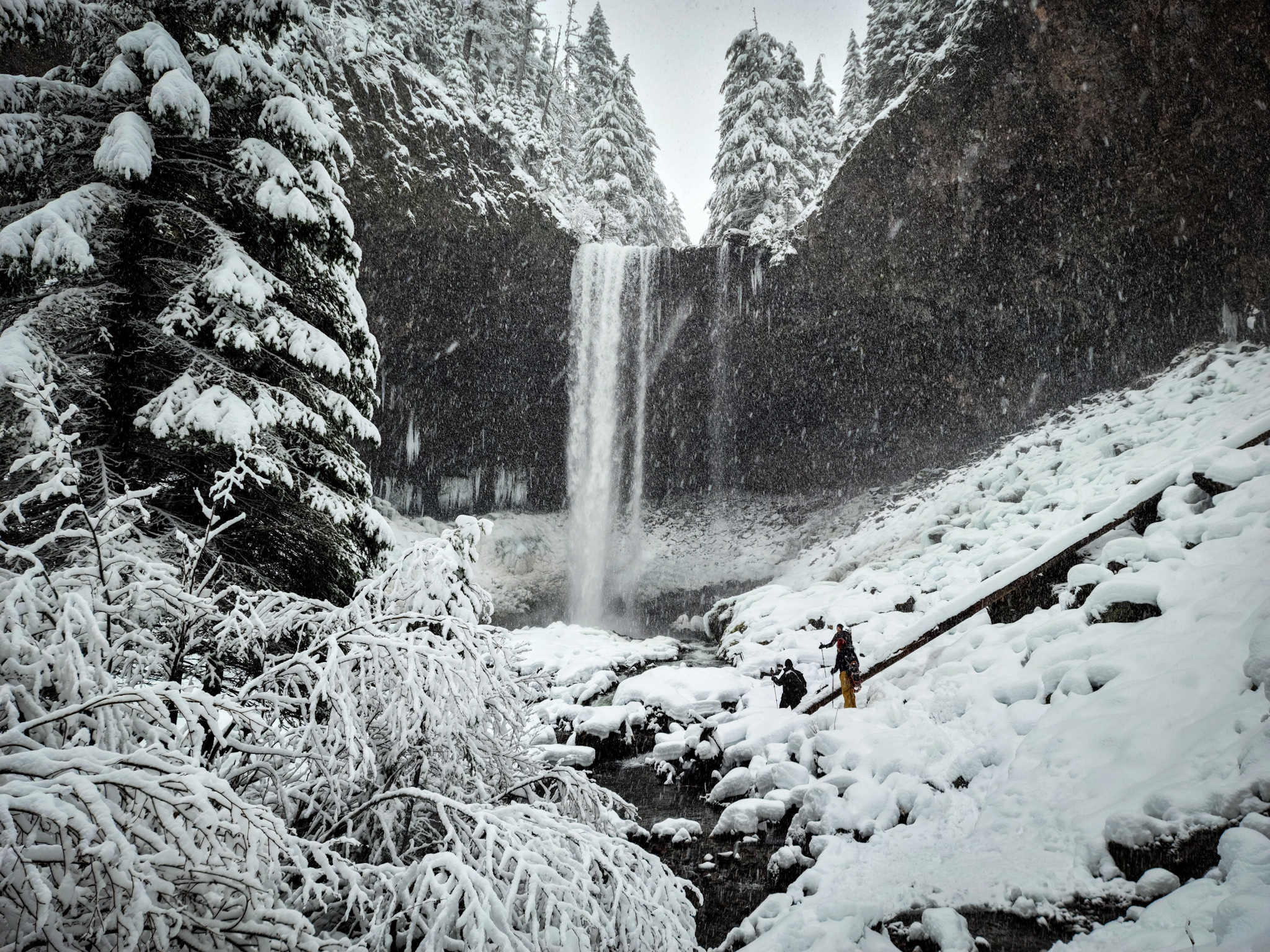

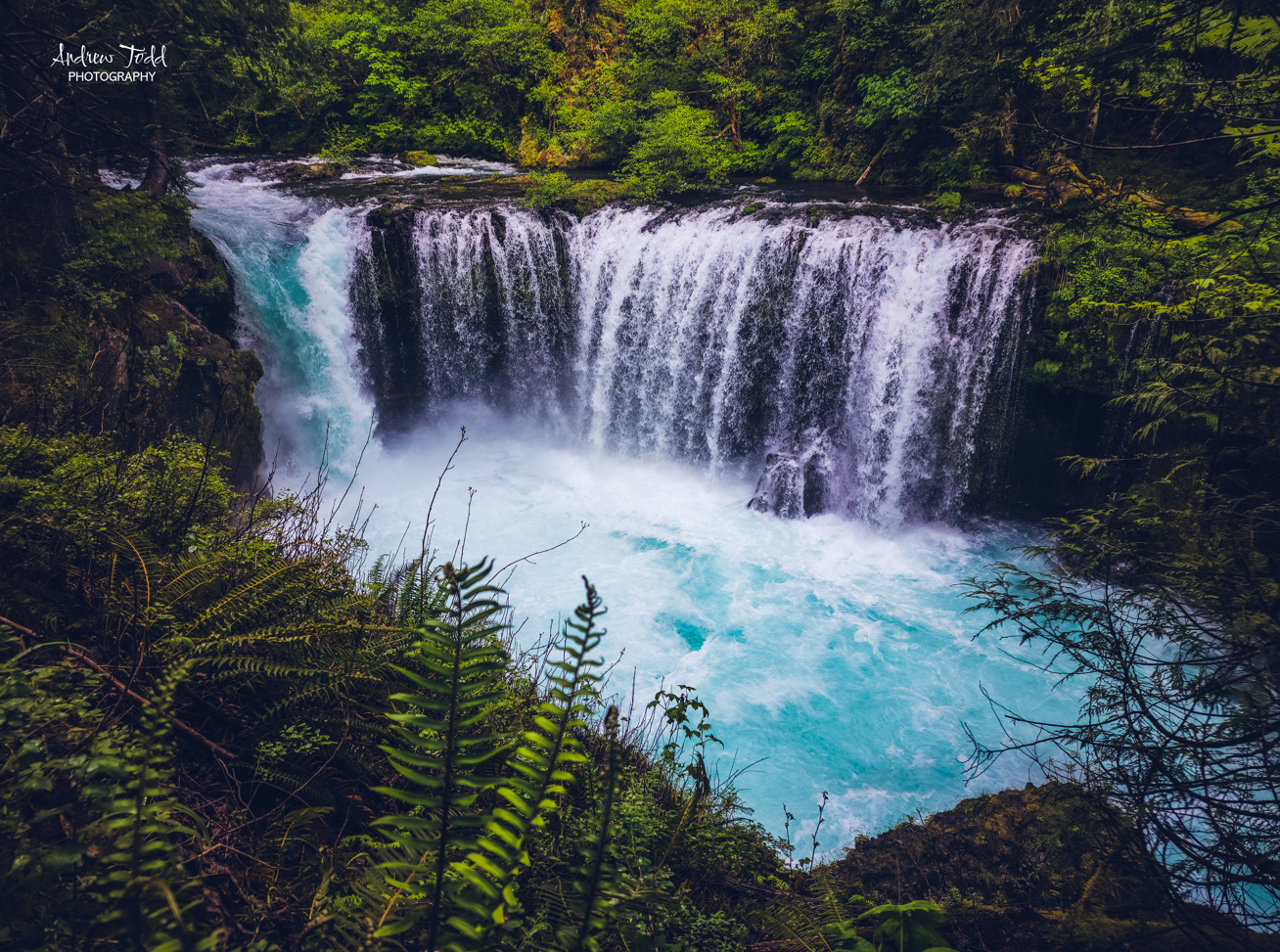

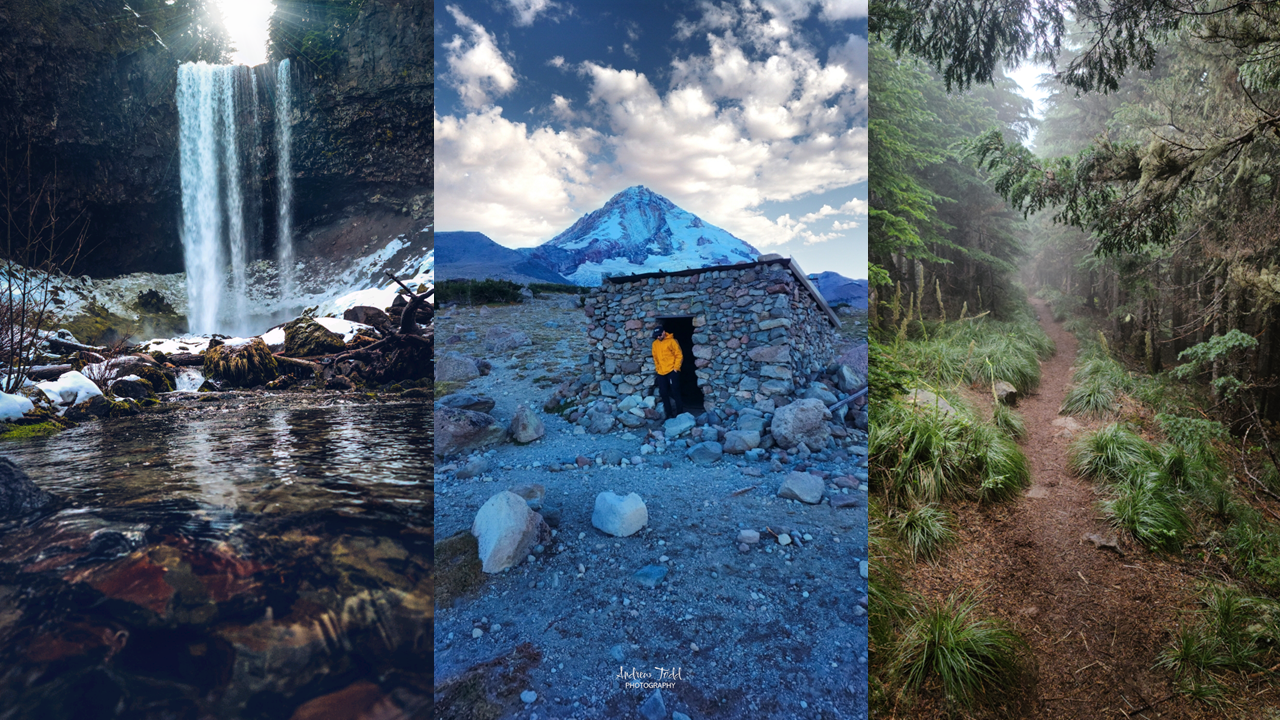
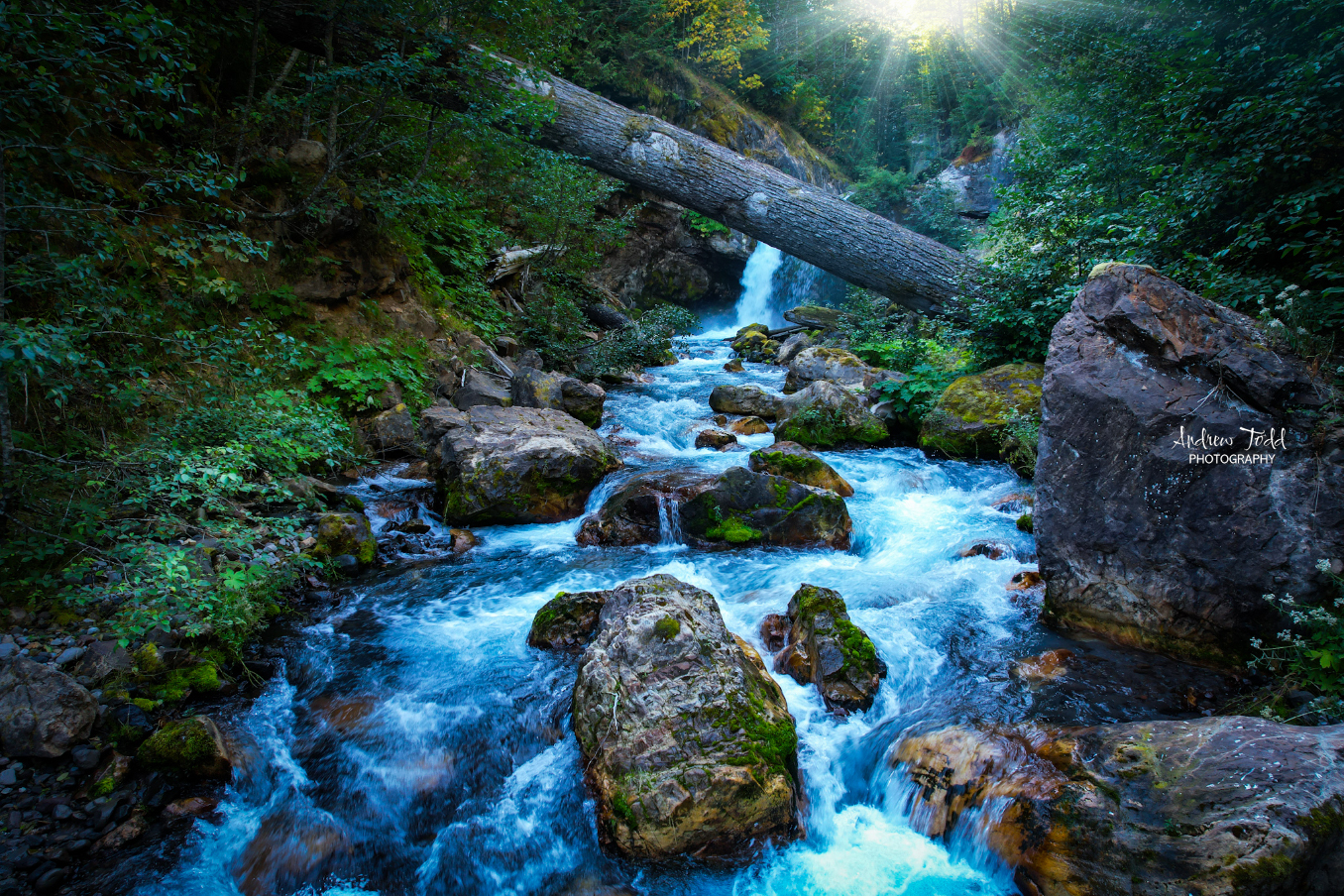
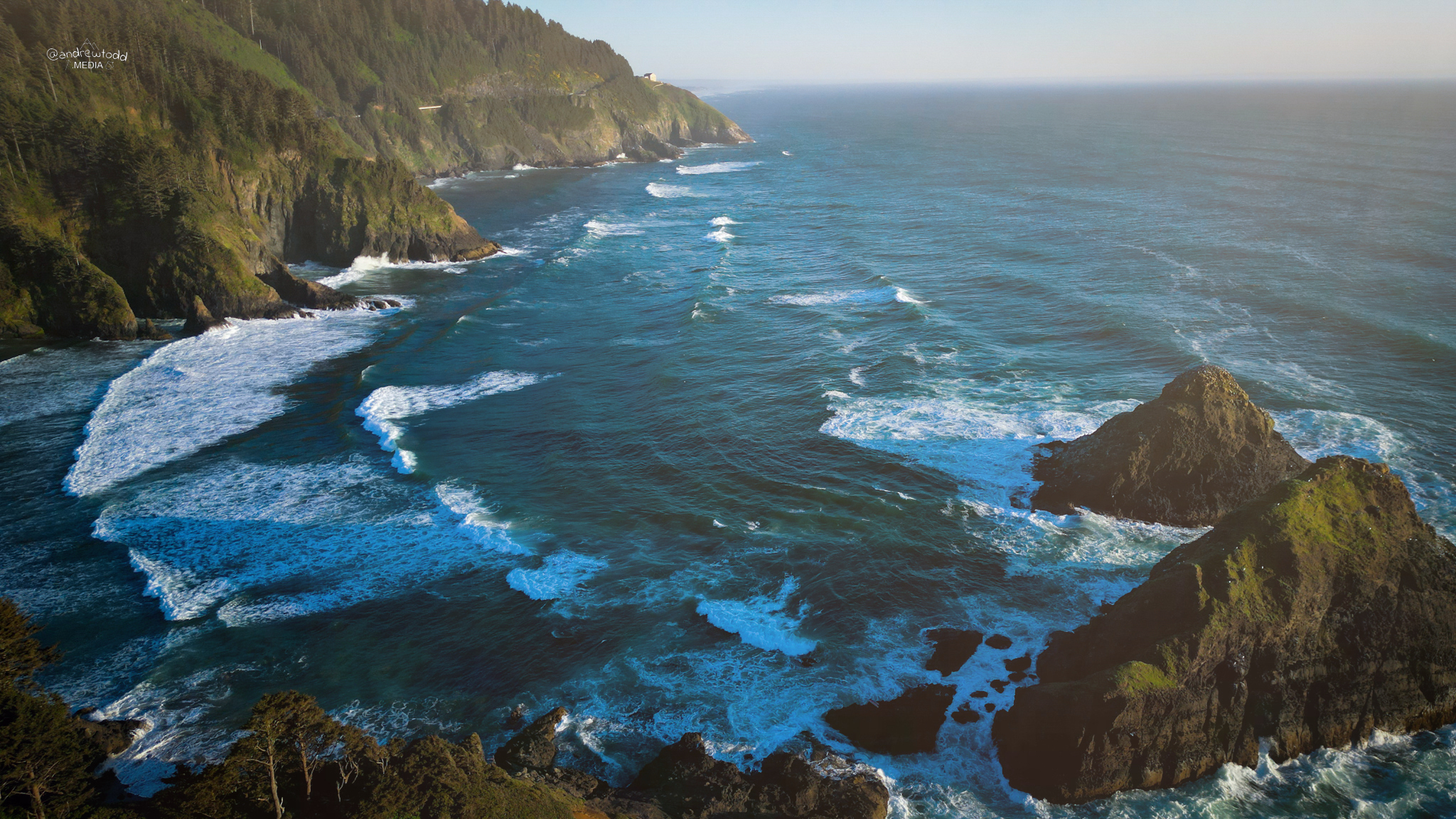
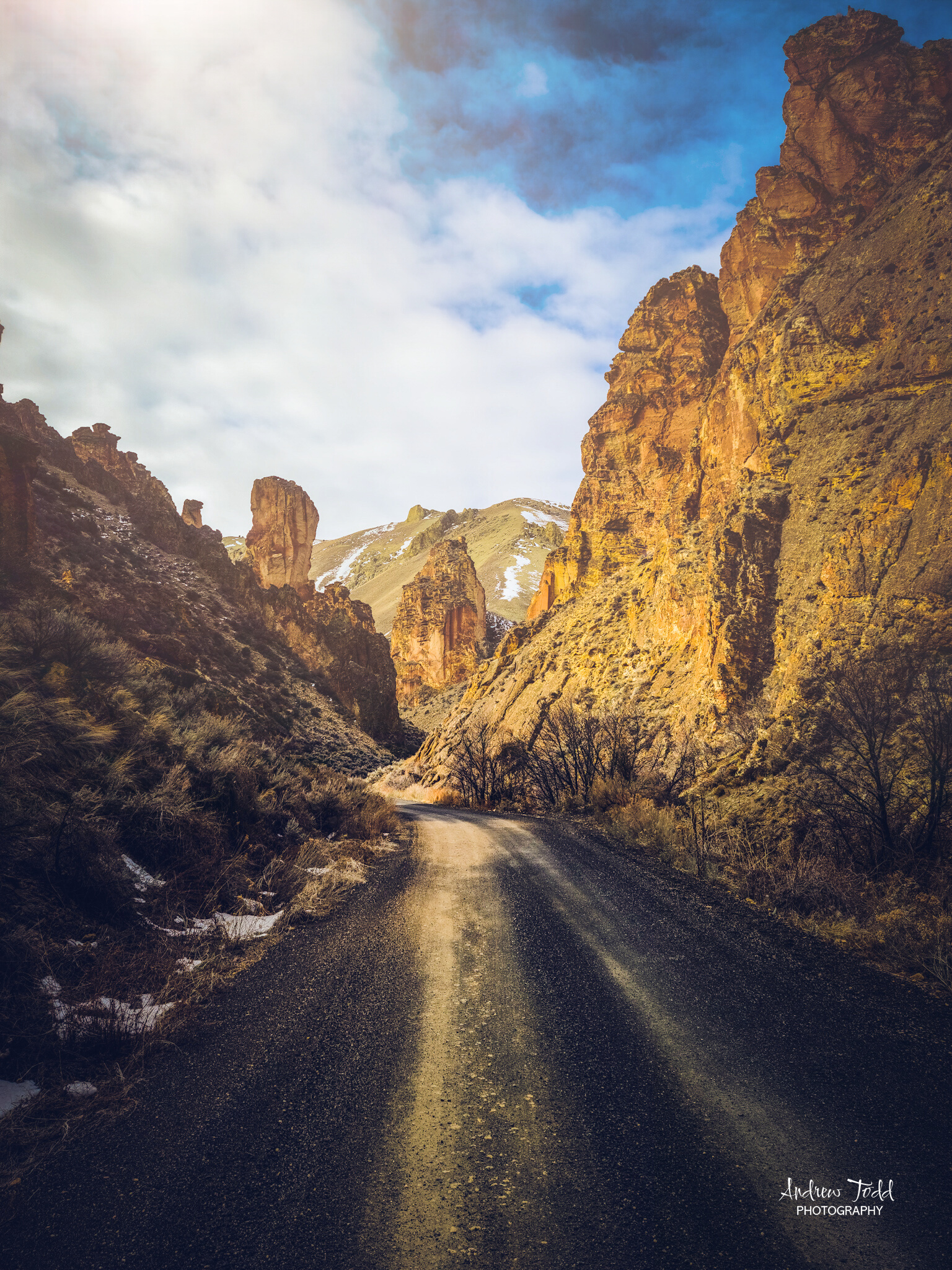
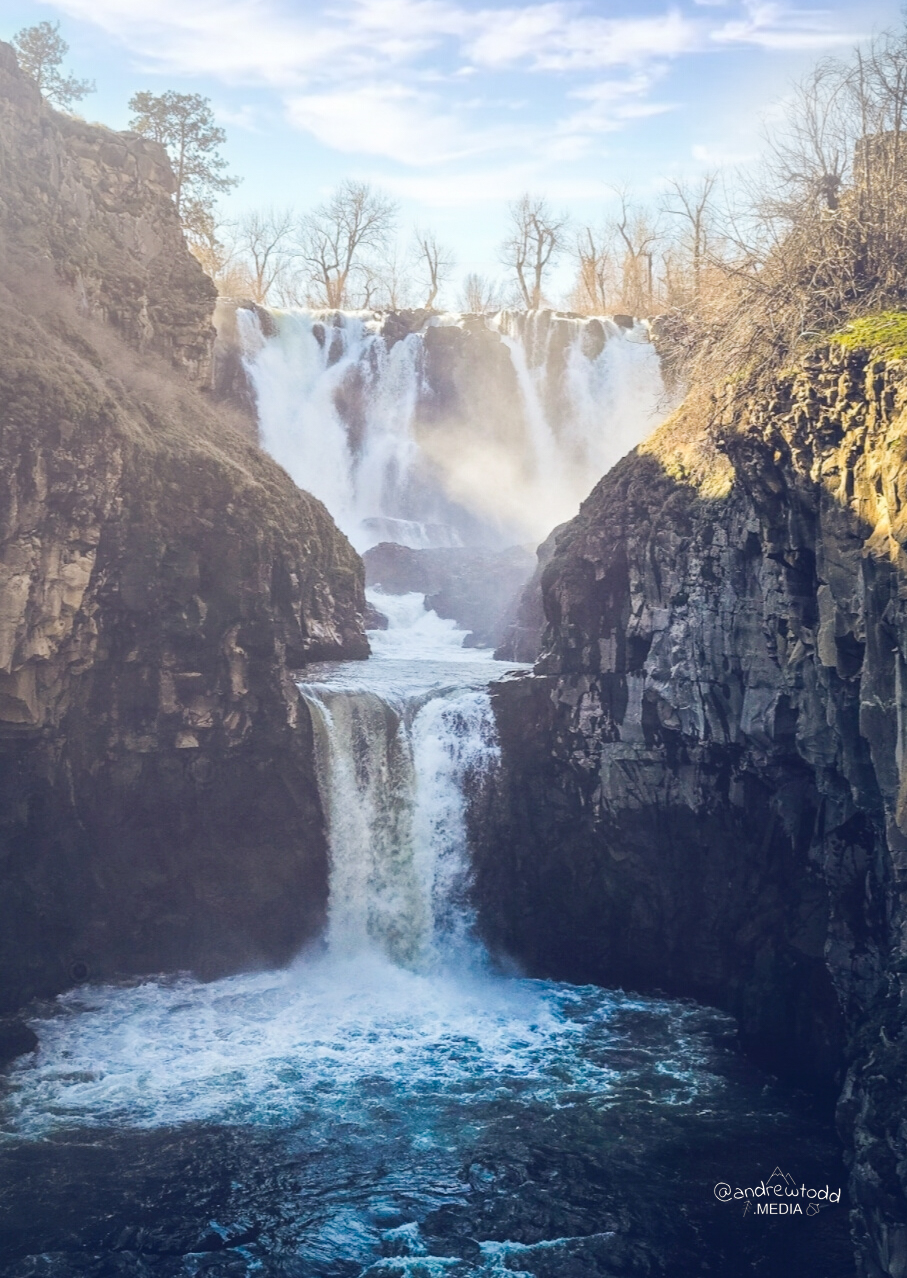
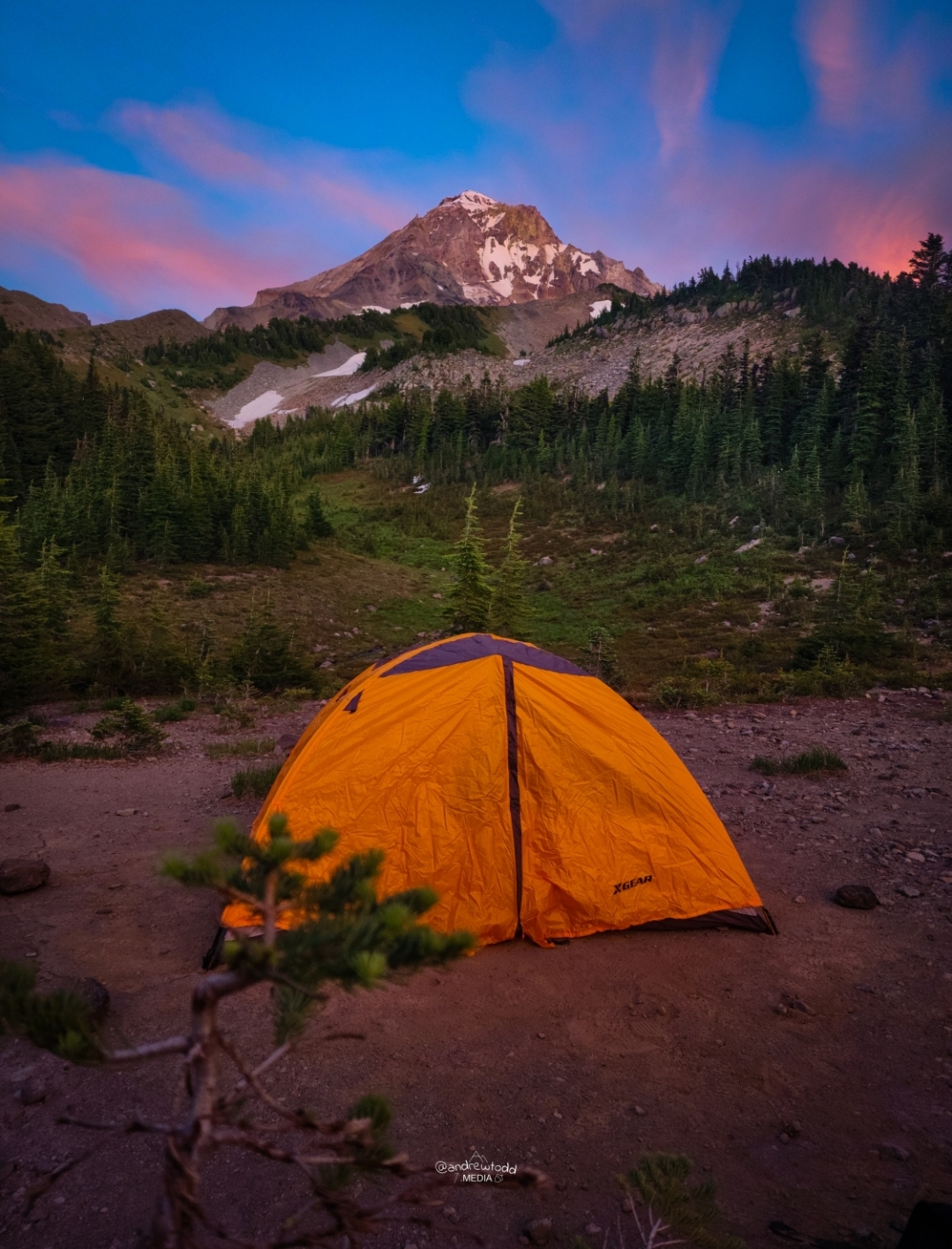
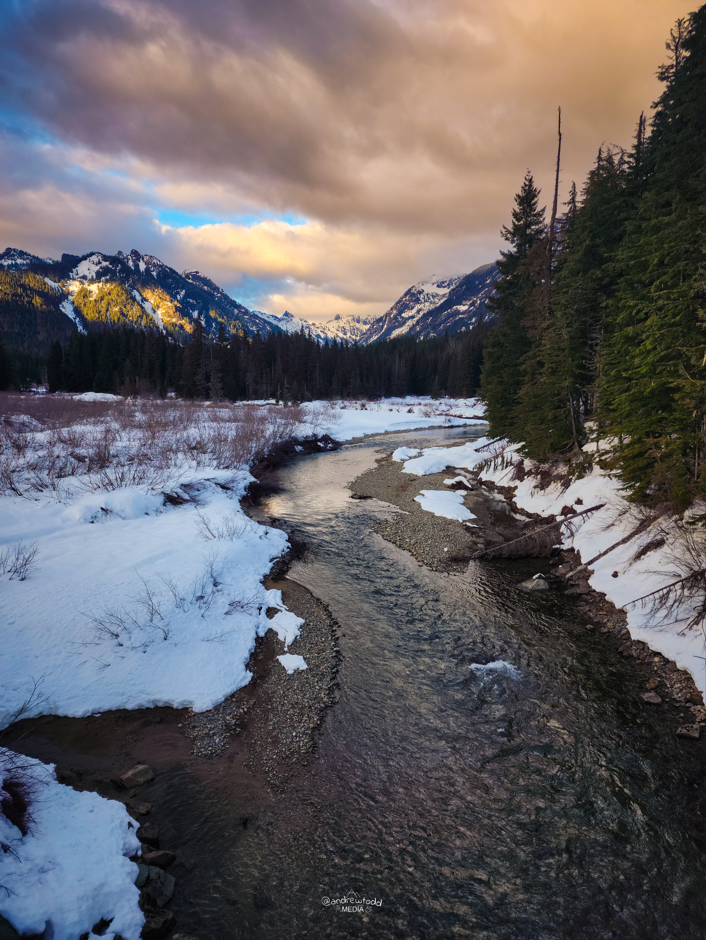
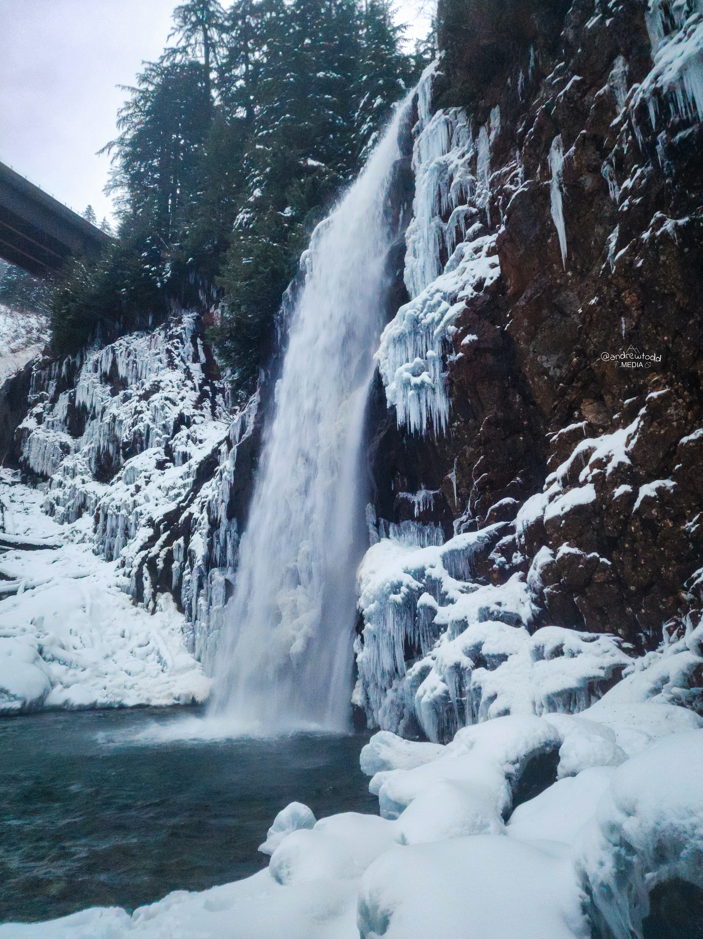


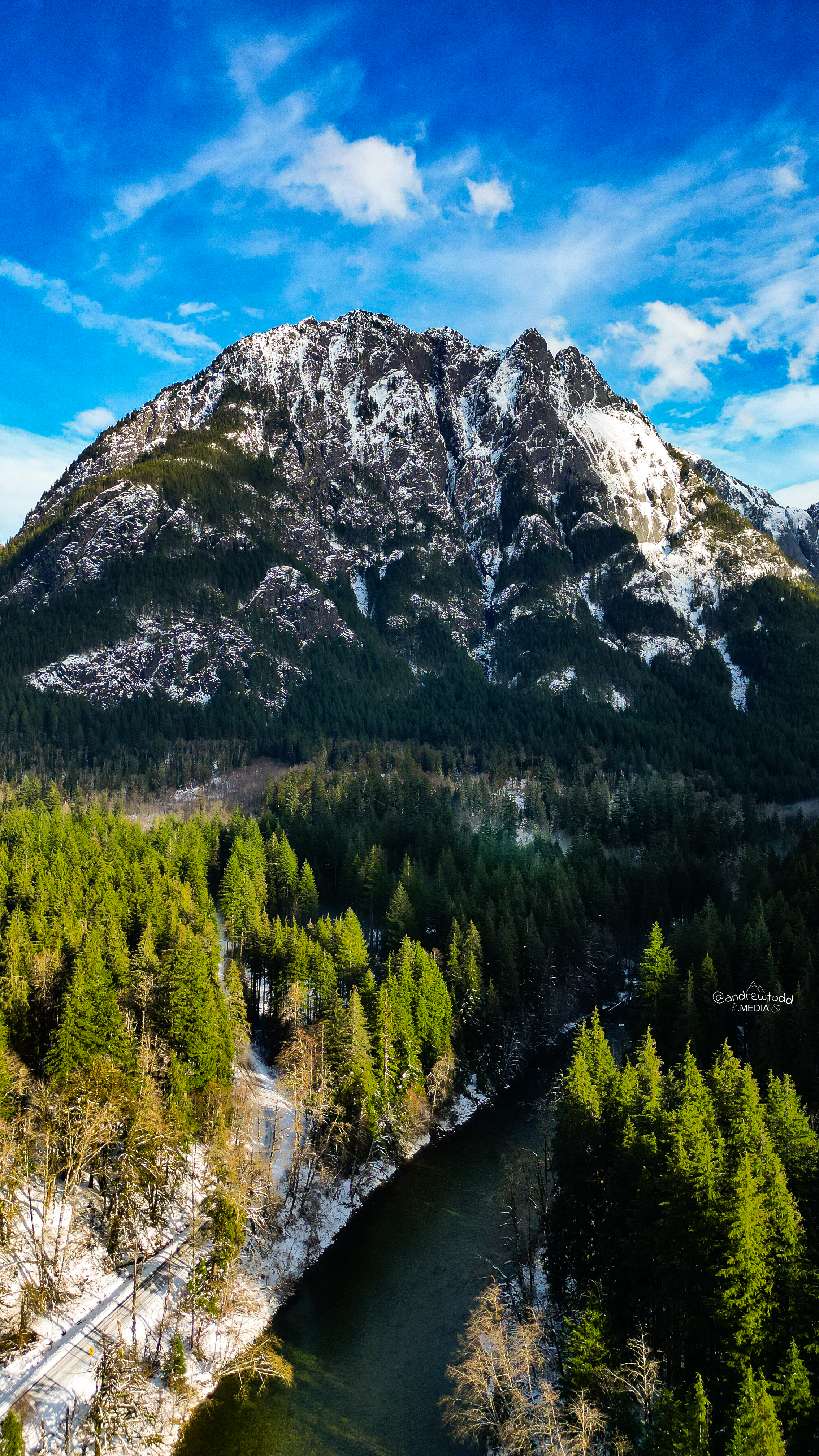
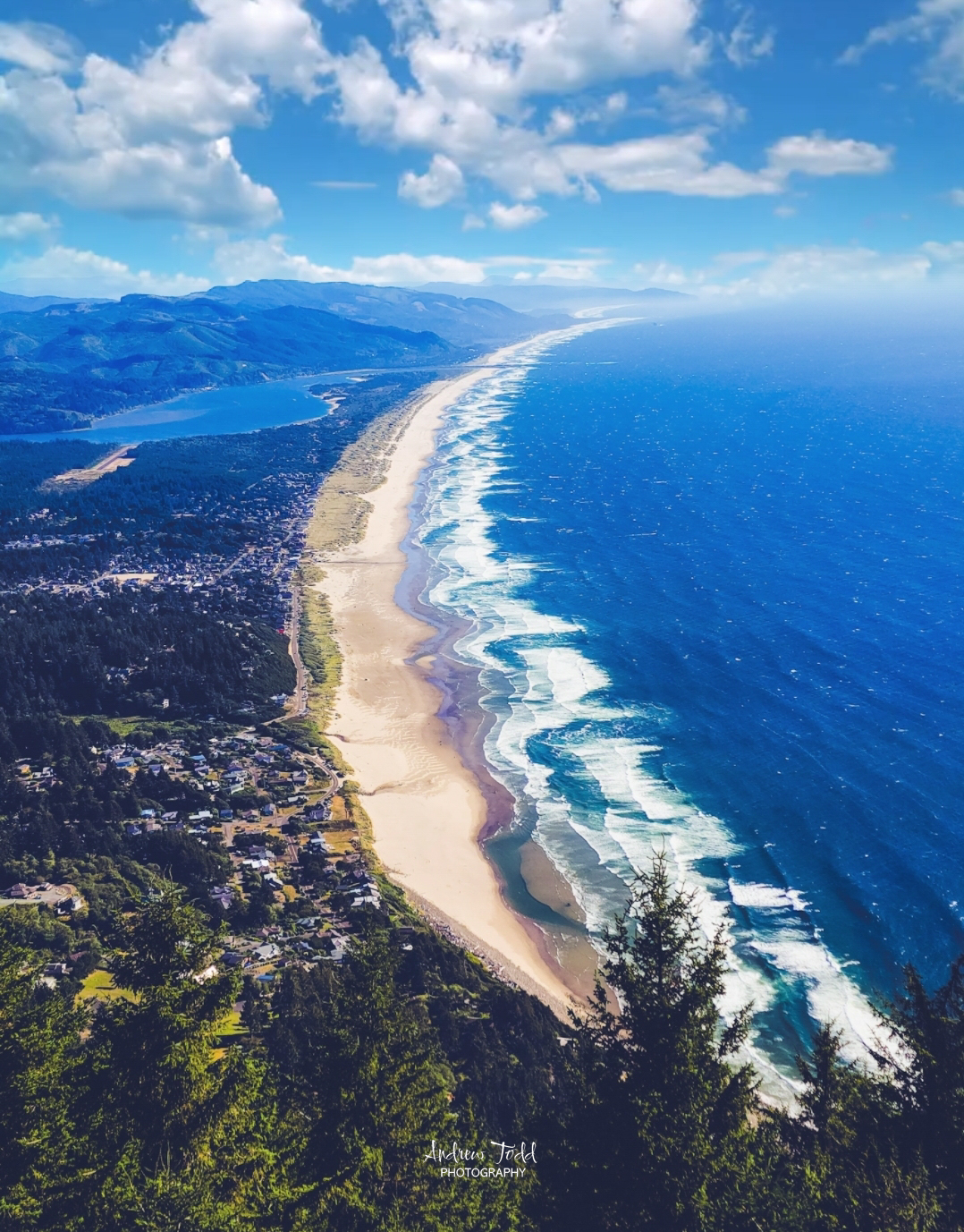
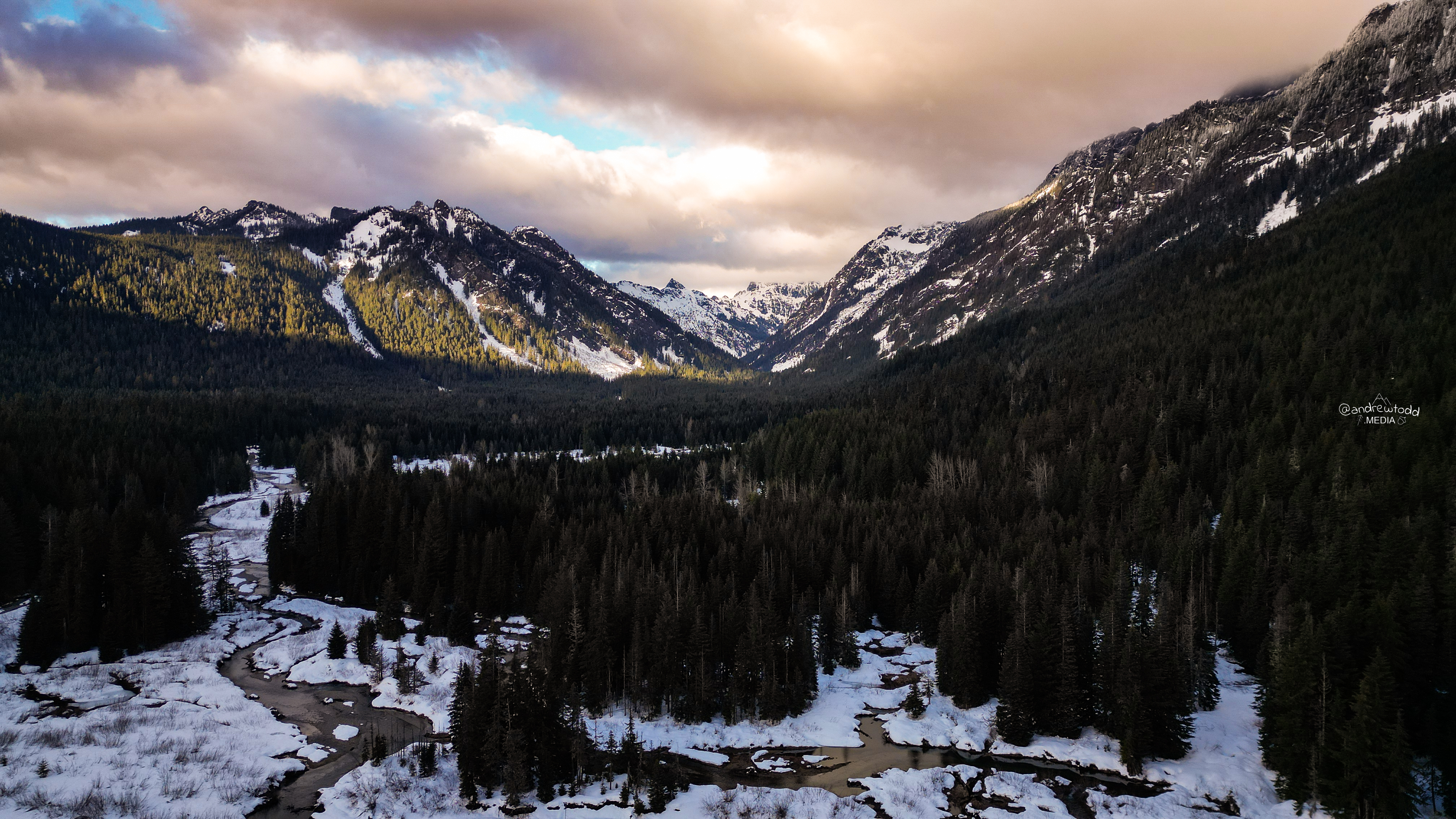
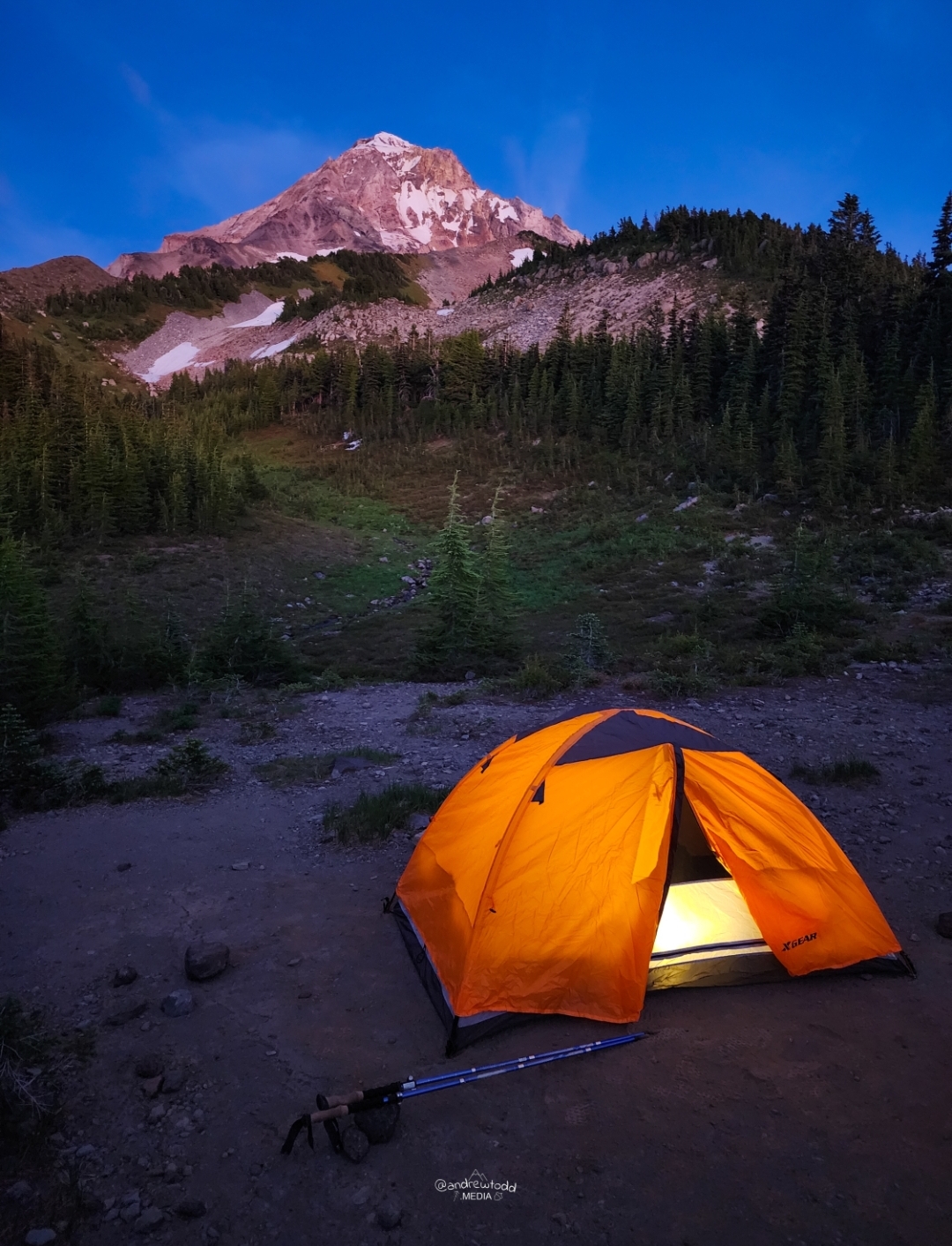


Shop Photos to Purchase Prints
This is just a small preview section of available photos for print purchases. You can view the full gallery by clicking on the button below. If the print is available in my Darkroom, it will be clickable in the gallery and will take you to my Darkroom. Darkroom, my one-stop print shop partner, will present options for sizes, frames, and printing materials. When you purchase from Darkoom they handle the shipping as well!
Video Tours of Popular & Hidden Pacific Northwest Gems
Head over to my YouTube channel by clicking on the playlist below. All of my longer hiking and drone videos are there, and some Shorts as well. Make sure to subscribe so you don’t miss a single trail feature in the Pacific Northwest!


Cellphone Photography and Content Creation Tips
On my Patreon account, I will be providing video tutorials to help you up your cellphone photography game! Additionally, if you are interested in learning how to plan hikes, create videos, or fly drones, I’ll soon be offering courses on my Patreon for doing just that! Be an early subscriber to connect with me on a 1:1 level now.
–> Most modern phones have basic light adjustment built into the auto function of the camera. This means that when you’re ready to take a photo of something, you can tap on the object or focal point on your screen, and a box will appear around it, with a light bar accompanying the box. With your finger, slide the selector up and down the bar to increase or decrease the exposure. This helps a TON before you even begin to edit the photo!
–> If you’re editing in Adobe Lightroom on a desktop or via the mobile app, look for something called a “Preset” which is a series of pre-determined settings to input into Lightroom that will apply effects automatically. Both the Apple AppStore and Google Play will have apps that offer free presets in the form of raw images containing those settings. Add the raw photos with the presets into your Lightroom and “copy” the settings before applying them to your photo.
–> Explore the Apple AppStore and Google Play for photo editing apps that can do things like add sky and other weather events, light elements, stickers, etc to your photos, and practice editing your photos to make them look more natural after applying those effects.


